
This site is your space for a confident start in Unity. Here you'll find step-by-step 2D game development tutorials designed specifically for beginners. We break down complex topics into small steps so you don't just copy code, but build a solid foundation. This is a self-study guide that provides the core skills and tools you need to eventually grow your projects and bring your own ideas to life.
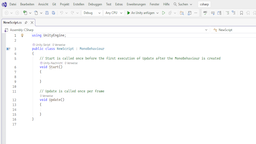
A step-by-step introduction to C# basics specifically for beginners.
Through simple examples, you'll understand the architecture of Unity scripts. This lesson builds a programming foundation that allows you to control game logic consciously rather than just copying code.
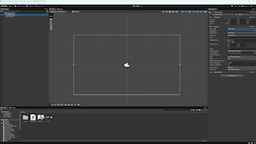
Your first dive into the Unity environment and its essential tools.
Learn how to create a project, manage assets, and link objects to scripts to build a solid foundation for your game development journey.
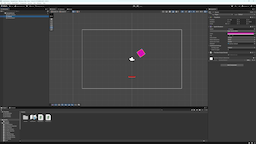
A bridge lesson that connects abstract C# logic with the actual behavior of objects in your scene.
Discover how the Inspector and code references turn values into action. You'll learn how to "talk" to components to make the game follow your rules.
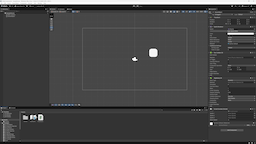
In this lesson, we will explore the core components most commonly found in early projects: Transform, Sprite Renderer, Collider, Rigidbody, and scripts.
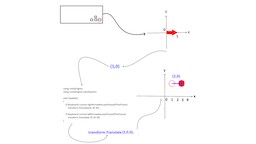
An introductory tutorial on how object displacement works in Unity.
We'll cover coordinates, vectors, and timing without the fluff. You'll learn the difference between Transform and Rigidbody to choose the right way to move objects in your games.
Learn how input works in Unity — from the classic Input Manager to the modern Input System.
Understand which approach to choose for prototypes versus production-ready projects to keep your controls responsive and flexible.
Build the foundation of a classic 2D game: catch falling objects and master game world management.
See how basic programming concepts bring the scene to life and learn how to handle dynamic object spawning.
Take your project further: add rules, excitement, and feedback for the player.
Learn how to work with UI and audio to turn a set of scripts into a finished game with scoring and atmosphere.
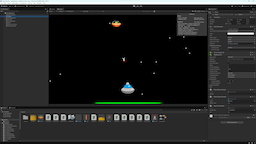
Build your first space battle: pilot a ship, fire lasers, and dodge enemy attacks.
Bring your game to life with explosions, sounds, and visual effects. Step by step, we’ll build a fully functional action game prototype.
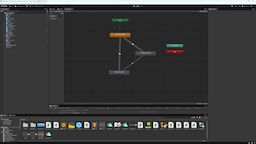
Build a classic jump-and-run game: from sprite setup to full character control.
Bring your hero to life with animations and master ground detection logic to build a solid foundation for your 2D adventure.
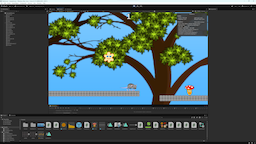
Fill your world with life: add coins, moving platforms, and enemies. Plus — a companion cloud that quietly follows your lead.
Learn how triggers, parallax backgrounds, and events work together to turn a void into an interactive space with its own rules.
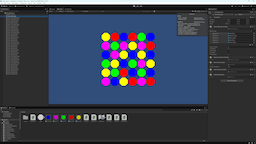
Build a classic puzzle game: learn to manage the grid, swap elements, and detect matching lines.
We'll explore List logic and use Raycast to detect clicked gems. We'll also add necessary pauses in the calculation logic via Coroutines to ensure game actions follow a proper sequence.
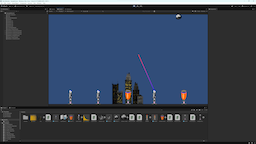
Protect your city: place towers on platforms and fend off meteors using various weapon types.
Learn how to make towers search for enemies via tags, use LineRenderer for lasers, and control attack frequency with InvokeRepeating.
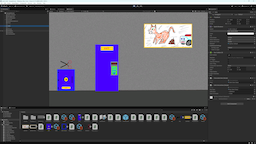
Build a classic adventure game: scene inspection, item collection, and logical action chains with clean architecture.
Learn to use ScriptableObjects for data, work with interfaces, and create a dynamic inventory system using Layout Groups.
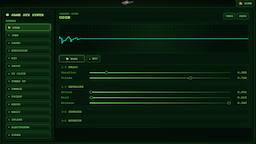
Create retro and game sound effects directly in your browser: coins, lasers, explosions, magic, UI sounds, and more.
Multiple sound sources, envelopes, effects, LFO modulation, waveform preview, Undo/Redo, and WAV export.
Good luck with your projects — make things and enjoy the process!